
Theme Extensions
Note: This is a beta version of the Multivendor App. ETA January 2024.
Overview
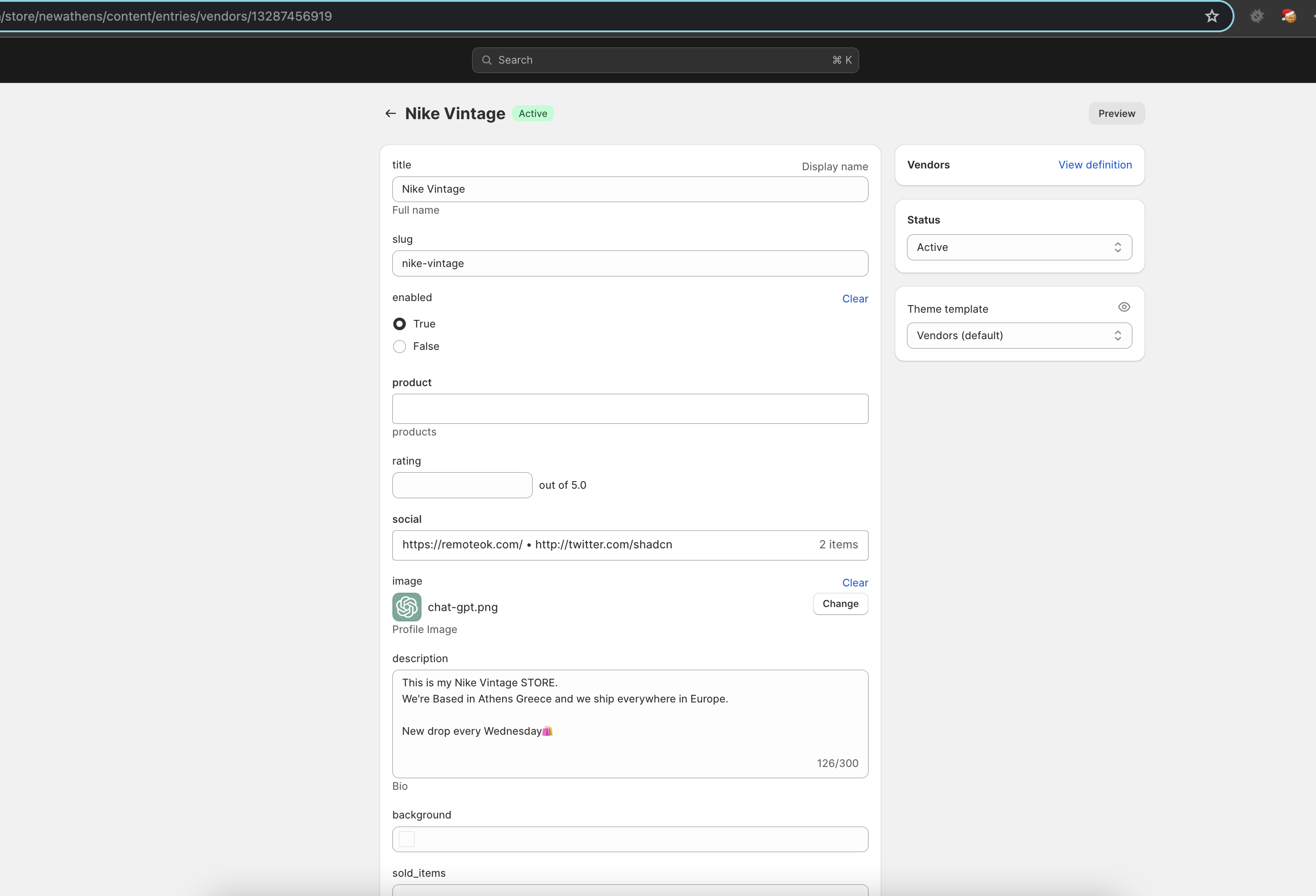
How Vendors are stored?
We use only Metaobjects in our application to save all database related data, that means you have full ownership of the data and you can extend the application at any layer you want. *The only not available settings at the moment are a few General Admin specific settings like tags, commissions etc
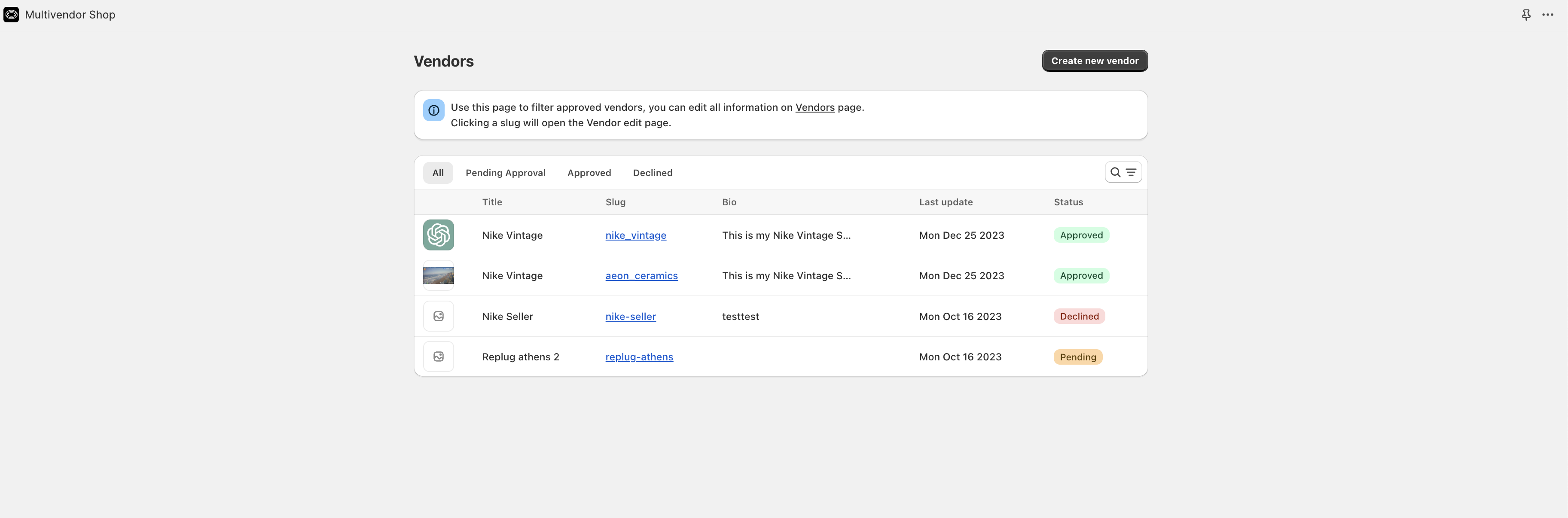
Vendors Listing page
In this page you will be available to see all vendors that requested access to the shop.
- You can filter by Approved, Not approved or Pending
- To specify more information you can simply use the link and open the metaobject page to change any of the related information of the vendor.
Vendor Settings
- Add a vendor profile to your product pages.
- The vendor profile will show the vendor name, logo, description, and external links
Related Vendor Products on Product pages [WIP]
- Add a related vendor products section to your product pages.
Vendor Approval
- To approve a vendor you need to go to the vendor page and change the "Status" metafield to "Approved"
- This will instantly create a new collection for the vendor (not auto published except its defined)
Future ideas
- Admin would be able to setup automatic aproval rules
- Vendors would be able to define an XML or CSV upload products
Resend API is used, as a merchant you need to setup your own resend keys. https://resend.io/